Batch pollen image analysis with ImageJ
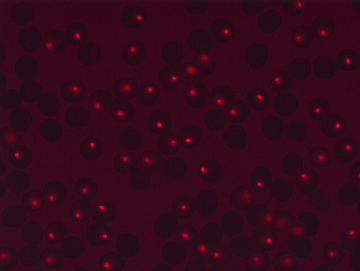
This ImageJ script processes a folder of pollen images and saves measurements to CSV files. It replaces repetitive image-by-image filtering with the same steps applied across a batch.
ImageJ is an open-source tool for scientific image analysis. The script opens each TIFF image, extracts one image channel, and applies an intensity threshold. This creates a black-and-white mask that separates bright regions from the background.
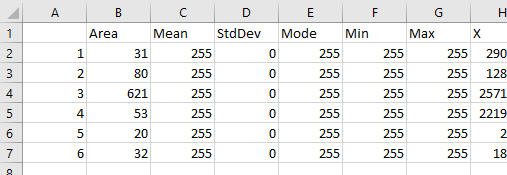
ImageJ’s particle analyzer then filters those regions by size and circularity, a measure of how round they are. It records measurements for the regions that pass the filters and writes one CSV file per input image.
The objects being studied are pollen grains, not molecules. The detected regions are candidates within the images, not proof that every object is a pollen grain or has a particular biological property. Thresholds and size limits need to suit the imaging setup, and a sample of the results should be checked visually.
The source code and usage instructions include a version that prompts for input and output folders.